Priority Printing
You can change the printing priority of a job, so that it is printed right after the current job is complete.
1.
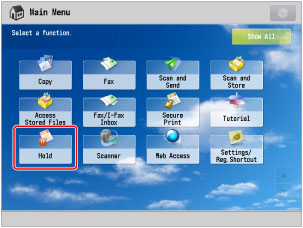
Press [Hold].
2.
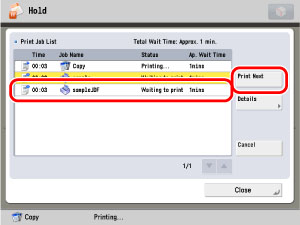
Select the desired job from the Print Job List → press [Priority Print].
»
Hold
»
Priority Printing
08KE-18Y