Uninstalling the e-Manual
The process of removing the e-Manual to restore the computer to the same state as before the e-Manual was installed is called uninstallation. To uninstall the e-Manual, perform the following procedure.
1
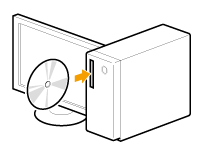
Insert the User Software CD-ROM into the slot on your computer.
2
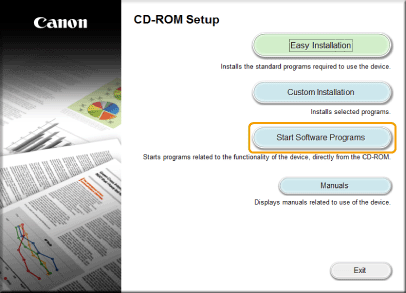
Click [Start Software Programs].
 When the above dialog box does not appear When the above dialog box does not appear |
 "
"3
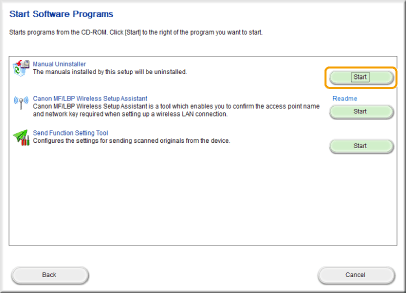
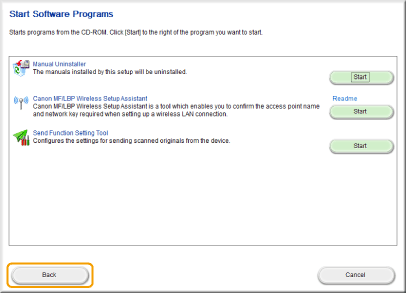
Click [Start] for [Manual Uninstaller].
4
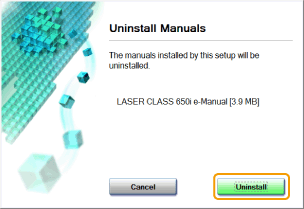
Click [Uninstall] to begin uninstallation.
Wait until uninstallation is complete. (It may take some time until uninstallation is complete.)
5
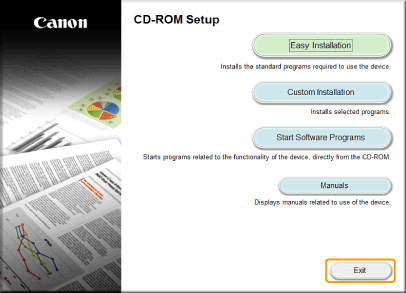
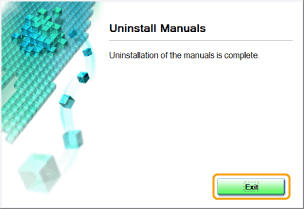
Click [Exit].
6
Click [Back].
7
Click [Exit].
 |
Eject the CD-ROM when the following screen appears.
|