 ] (
] ( Online). ] (Online).
 ] (
] ( Job).
Job). ] and [
 ], and then press [OK].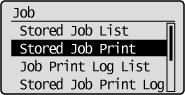
 |
When the department ID management function is enabled, the authentication screen appears. After you enter the department ID and password, select [<Log In>], and then press [OK].
|
] and [], and then press [OK].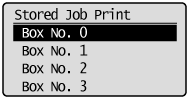 ] and [], and then move the cursor using [
 ] and [
 ].
].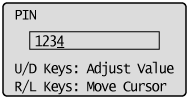 ] and [], and then press [OK].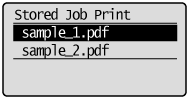
|
NOTE
|
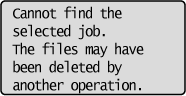
If the stored job has been deletedIf the stored job has been deleted by an external operation, for example an operation from the Remote UI, a screen such as the following is displayed.
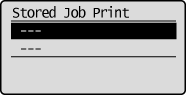
When the file name is selected
 When printing is performed
 |