 When the restart prompt message is displayed
Stopping MEAP Applications
1
Start SMS (Service Management Service).
2
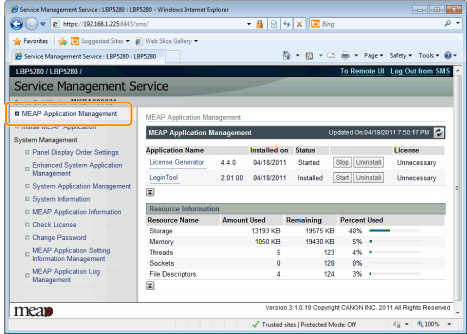
Click [MEAP Application Management].
3
Click [Stop] for the application to stop.

|
When the restart prompt message is displayed Follow the onscreen instructions to restart the printer.
|