Colored Lines and Text Appear Faded
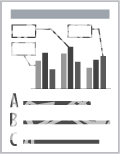
Perform the following procedure.
<Cause> Thin lines or text was printed.
|
Solution
|
Perform the following procedure in the printer driver.
|
|
Solution
|
Perform the following procedure in the printer driver.
|