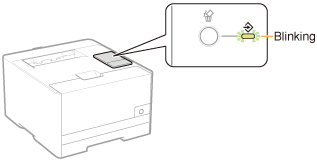
Canceling a Print Job Being Printed Using the Cancel Job Key
1
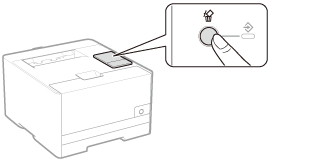
Pressing the [  ] (Cancel Job) key on the control panel cancels the job being printed.
] (Cancel Job) key on the control panel cancels the job being printed.When the key is released, the printer begins canceling the job.
 If you cannot cancel a job If you cannot cancel a job
|
|
NOTE
|
The meanings of the
|
 (Job) indicator (green)