System Manager Data List
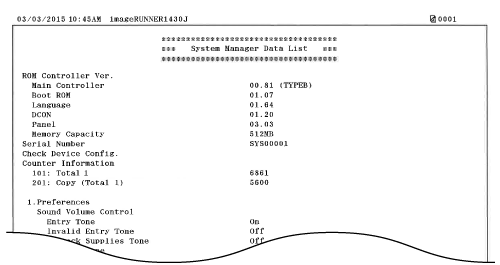
You can check the list of setting items (Setting Menu List) and current settings registered in the machine, such as paper size and type. You can also check the setting information for <System Management Settings> that is not included in the User Data List (User Data List).
Example:
1
Press  .
.
.2
Use  /
/ to select <Output Reports>, and press
  .
.
/ to select <Output Reports>, and press .3
Select <Print List>  <System Manager Data List>.
<System Manager Data List>.4
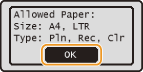
Check that the size and type of paper displayed on the screen is loaded in the machine, and press .
.
5
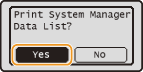
Select <Yes>, and press .
.