Installing the e-Manual
Install the e-Manual on a computer with the supplied CD-ROM.
1
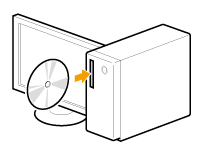
Insert the Multi-lingual User Manual CD into the slot on your computer.
2
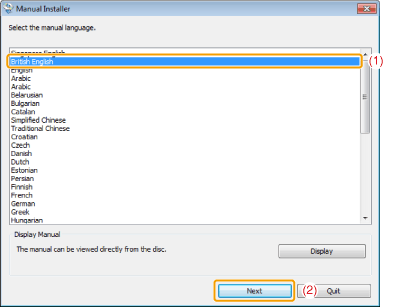
Select your language, and then click [Next].
3
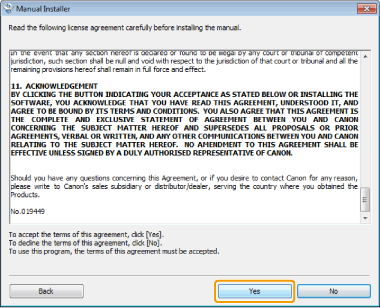
Read the license agreement, and then click [Yes].
4
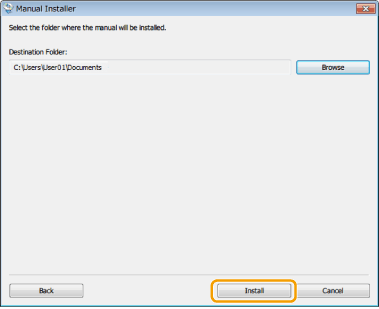
Select the folder where the manual will be installed, and then click [Install].
5
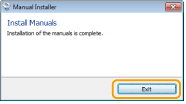
Click [Exit].
Starting the e-Manual
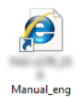
Double-click the [FAX-L170_L150 Manual_eng] on the desktop.
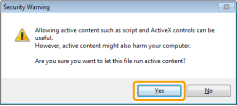
 If a security warning message appears: If a security warning message appears: Perform the following procedure.
|


|
NOTE
|
||||||||
To view the e-Manual Directly from the CD-ROM:Follow the steps in the procedure below to view the e-Manual directly from the CD-ROM instead of having it installed on your computer.
|
