Various Print Settings
There are a variety of settings to suit your needs, such as Enlarged/Reduced and 2-sided Printing.
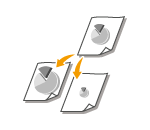
Enlarging or Reducing
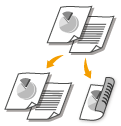
Switching 1-Sided and 2-Sided Printing (MF244dw / MF242dw)
Collating Printouts by Page
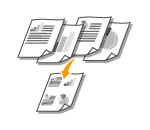
Printing Multiple Pages onto One Sheet
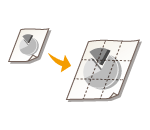
Printing Posters
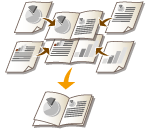
Printing Booklet (MF244dw / MF242dw)
Printing Borders
Printing Dates and Page Numbers
Printing Watermarks
Selecting Document Type
Saving Toner
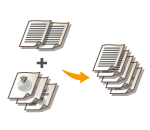
Combining and Printing Multiple Documents
>
Using the Machine as a Printer
>
Printing from a Computer
>
Various Print Settings
1525-085