
Selecting the Network Connection Method
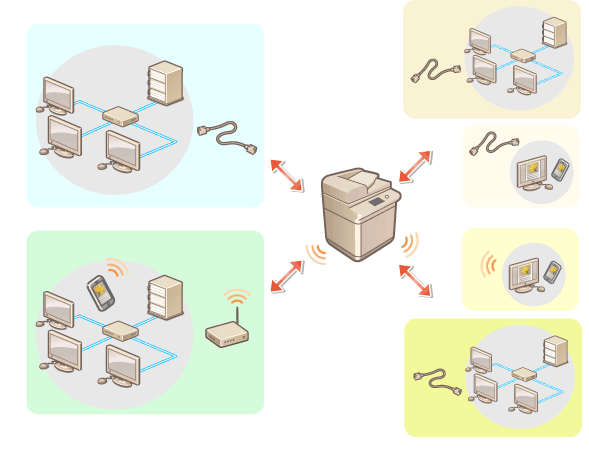
You can select the method for connecting the machine to computers, etc. The following connection methods are available.
Wired LAN only
Wireless LAN only
Simultaneous wired LAN and wireless LAN
Simultaneous wired LAN and another wired LAN
When using simultaneous wired LAN and wireless LAN or simultaneous wired LAN and another wired LAN, the line connected from the LAN port of the machine is called the "main line" and the line connected from wireless LAN or another wired LAN is called the "sub line."
 (Settings/Registration)
  <Preferences> <Network> <Select Interface> select the interface <OK>
 |
When using a sub line, see Cautions When Using the Sub Line. If you selected <Wireless LAN> or <Wired LAN + Wireless LAN>Set <Sleep Mode Energy Use> to <High>. <Sleep Mode Energy Use> The settings of <Wireless LAN Settings> are cleared. You cannot set wireless LAN as the main line and wired LAN as the sub line. Cautions When Using Wired LAN (Sub Line)Set <Sleep Mode Energy Use> to <High>. <Sleep Mode Energy Use> |