Importing Device Setting Values
Import the device setting information exported from iW Management Console V3.x to Enterprise Management Console V4.x.
IMPORTANT |
Device settings information exported from iW Management Console V3.x can be imported as data for delivery to devices. It cannot be imported as monitoring data to use as the standard for monitoring device setting values. |
1.
Select the [Data Management] menu > [Device Setting Values].
2.
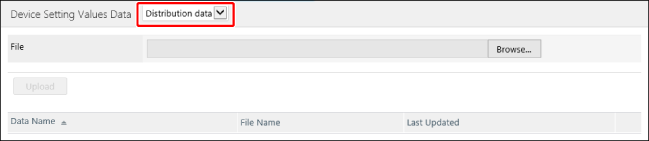
Select [Distribution data] from the drop-down list on the top of the [Device Setting Values Data] page.
3.
Specify the data to upload on the [Device Setting Values Data] page.
In [File], select the file to upload.
In [Data Name], enter a name indicating the content of the setting values to upload.
In [Password], enter the password set during the backup or export process.
4.
Click [Upload].