Disposing of Trim Waste (Option)
Dispose of the trim waste when the trim waste in Booklet Finisher-AQ becomes full and the icon instructing you to dispose of trim waste is displayed on the control panel.
1
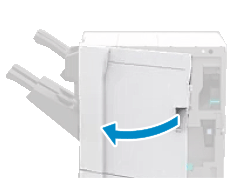
Open the front cover of the finisher.
2
Pull out the trim waste tray.
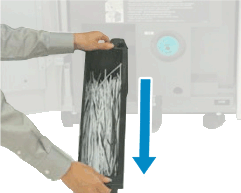
Hold the handle, gently pull out the tray towards yourself, and pull it out all the way by supporting it with your hand.
3
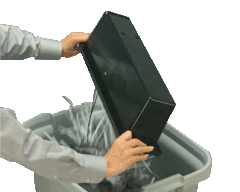
Dispose of the trim waste.
4
Install the trim waste tray into the finisher.
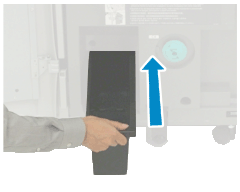
Firmly push in the tray as far as it will go.
5
Close the front cover of the finisher.