Selecting the Network Connection Method
You can select the method for connecting the machine to computers, etc. The following connection methods are available.
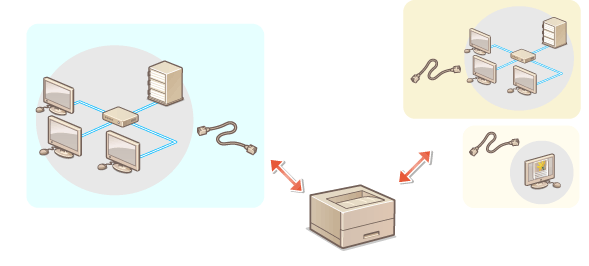
Connecting to a wired LAN only for the main line
Connecting to a wired LAN and other wired LAN using a USB-LAN adapter at the same time*1
*1You must configure the settings separately for each network when connecting to multiple LANs at the same time. Building a Dual Network Environment
On the machine and in the User's Guide (this manual), the primary line used in a dual network is called the "main line," and the secondary line is called the "sub line."
1
Select <Set> on the <Home> screen. <Home> Screen
2
Select <Preferences>  <Network> <Select Interface>.
<Network> <Select Interface>.3
Select the network connection method.
Connection method | <Main Line> | <Sub Line> | |
Connecting to a wired LAN only for the main line | Wired LAN (main line) only | <Wired LAN> | <Off> |
Connecting to a wired LAN and other wired LAN at the same time | Wired LAN (main line) and wired LAN (sub line)*1 | <Wired LAN> | <Wired LAN> |
*1The wired LAN connected to the LAN port on the machine becomes the main line, and the wired LAN connected to the machine via a USB-LAN adapter becomes the sub line.
4
Press  .
.
. |
When using a sub line, see Cautions When Using the Sub Line. When <Main Line> Is Set to <Wired LAN>, and <Sub Line> Is Set to a Setting Other Than [Off]Set <Sleep Mode Energy Use> to <High>. <Sleep Mode Energy Use> |