
Selecting the Network Connection Method
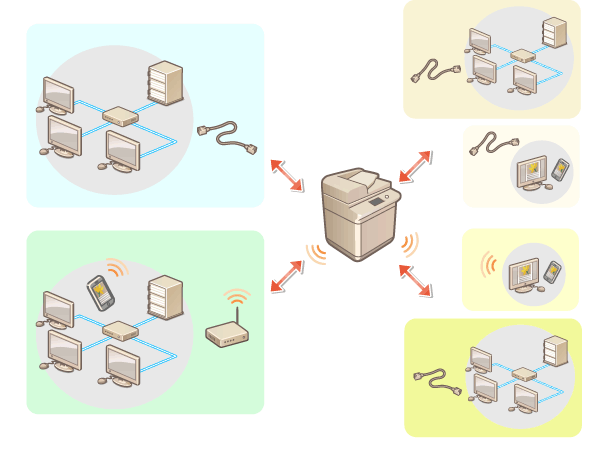
You can select the method for connecting the machine to computers, etc. The following connection methods are available.
Wired LAN only
Wireless LAN only
Simultaneous wired LAN and wireless LAN
Simultaneous wired LAN and another wired LAN
When using a wired LAN and a wireless LAN, or two wired LAN connections simultaneously, the primary line used in this dual network configuration is referred to as the "main line", and the secondary line is referred to as the "sub line".
 (Settings/Register)
  <Preferences> <Network> <Select Interface> select the interface <OK>
 |
When using a sub line, see Cautions When Using the Sub Line. If the wireless LAN is changed from the main line to the sub line, or from the sub line to the main line, the settings in <Wireless LAN Settings> will be cleared. When <Main Line> is set to <Wired LAN>, and <Sub Line> is set to a setting other than <Off>, the machine is set to consume more power in sleep mode. <Sleep Mode Energy Use> |