The Lists Common to Certain Settings in the Print Mode
|
IMPORTANT
|
|
The following lists are samples. The contents may partially differ from the lists printed by your printer.
|
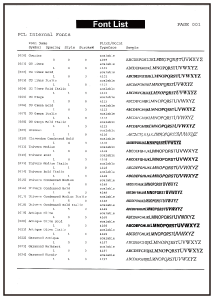
PCL Font List
A list of the fonts that can be used in the PCL mode is printed.
|
1.
|
Make sure that the printer is online.
|
|
2.
|
Press [
 ] ( ] ( Utility) to display the [Utility Menu] menu. Utility) to display the [Utility Menu] menu. |
|
3.
|
Select [PCL Utility] using [
 ] and [ ] and [  ], and then press [OK]. ], and then press [OK]. |
|
4.
|
Select [Font List] using [
] and [ ], and then press [OK]. |
|
5.
|
Select [Yes] using [
] in the [Execute?] display, and then press [OK] to output the page. |
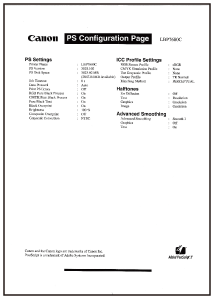
PS Configuration Page
The settings of the [PS] options are printed.
|
1.
|
Make sure that the printer is online.
|
|
2.
|
Press [
] (Utility) to display the [Utility Menu] menu. |
|
3.
|
Select [PS Utility] using [
] and [ ], and then press [OK]. |
|
4.
|
Select [Configuration Page] using [
] and [ ], and then press [OK]. |
|
5.
|
Select [Yes] using [
] in the [Execute?] display, and then press [OK] to output the page. |
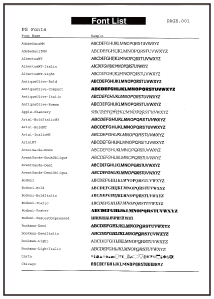
PS Font List
A list of the fonts that can be used in the PS mode is printed.
|
1.
|
Make sure that the printer is online.
|
|
2.
|
Press [
] (Utility) to display the [Utility Menu] menu. |
|
3.
|
Select [PS Utility] using [
] and [ ], and then press [OK]. |
|
4.
|
Select [Font List] using [
] and [ ], and then press [OK]. |
|
5.
|
Select [Yes] using [
] in the [Execute?] display, and then press [OK] to output the page. |