Printing With Profiles
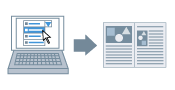
You can apply registered print settings by simply selecting an item from [Profile].
1.
Display the [Print Settings] tab.
2.
Select a profile corresponding to your purpose from [Profile].
This function is useful for registering frequently used settings (see Adding Profiles).
About this Function
References
[Poster Printing] cannot be selected when [2-sided Printing] has been set. For details about switching between 2-sided printing and 1-sided printing, see 1-sided and 2-sided Printing.