Scaling
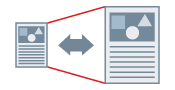
You can enlarge or reduce the size of a document created in an application when printing.
1.
Display the [Print Settings] tab.
2.
Select the size of the document you set in the application from [Page Size].
3.
Select the page size you want to print on from [Output Size].
The enlargement/reduction ratio is automatically set according to the selected page sizes.
About this Function
Functions that Cannot Be Used with this Function
When specifying manual scaling: Settings other than [1 on 1] → [Page Layout].
References
Whether you can set the optimum enlargement or reduction ratio depends on the paper size you have selected.