Adjusting the Color
 | Adjust the levels of yellow, magenta, cyan, or black. |
<Copy>  <Other Settings> <Color Balance> Select the color, and adjust the color level <Apply>
<Other Settings> <Color Balance> Select the color, and adjust the color level <Apply>Example: If you want to make a copy with colors that more closely match the original
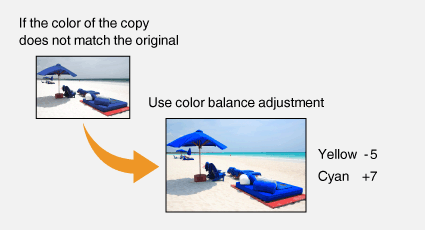
Example: If you want to make a copy with brighter colors than the original
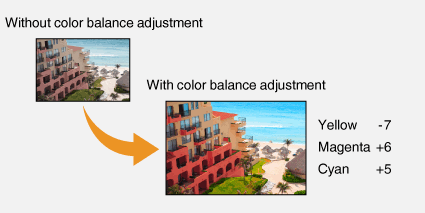
 |
If you select <Fine Adjust>, you can adjust the levels of the three density areas for each color. |