Items Displayed in the Timeline
The items displayed in the timeline differ according to the function. The items for each function are described here.
Copy
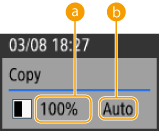
 Zoom ratio
 Paper source
Fax
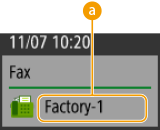
Destination

When data is sent to multiple destinations, the first destination is displayed.
Scan and Send
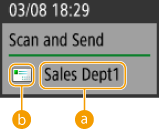
First destination
When data is sent to multiple destinations, the first destination is displayed.
Destination type of the first destination
Easy Scan
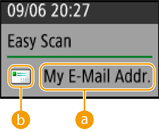
First destination
When data is sent to multiple destinations, the first destination is displayed.
Destination type of the first destination
Scan and Store (Network)
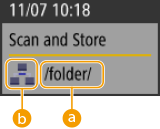
Folder name
Mail Box icon
Access Stored Files (Network)
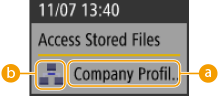
File name
Mail Box type
When multiple files are selected, the name of the file selected first is displayed.
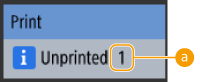
Number of jobs waiting to be printed
If the print data for users other than logged-in users is set to be displayed, the total number of jobs waiting to be printed for all users is displayed. <Display Other User Jobs>