Configuring Fax Settings to Your Needs
The default settings are the settings that are displayed whenever you turn ON the machine, or when you press  . If you register your frequently used settings as default settings, you can eliminate the need to configure the same settings every time you send faxes. In addition, you can also register combinations of specified destinations and multiple fax settings, and you can use them whenever you need them.
. If you register your frequently used settings as default settings, you can eliminate the need to configure the same settings every time you send faxes. In addition, you can also register combinations of specified destinations and multiple fax settings, and you can use them whenever you need them.|
NOTE
|
|
The machine comes pre-configured with factory default settings (Setting Menu List). You can change and register the default settings according to your needs.
|
 |
|
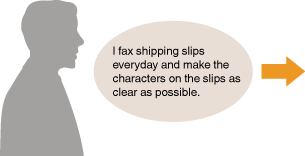
Set the resolution higher, and register it as the default setting. From now on, you can send faxes without changing the resolution. Changing Default Fax Settings
|
|
|
||
 |
|
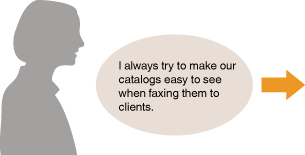
Specify the destination of your client with <Density> and <Sharpness> for fax settings, and register the address and settings as a combination in <Favorite Settings>. Registering Frequently Used Fax Settings
|