Adjusting the Image Quality
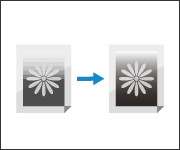
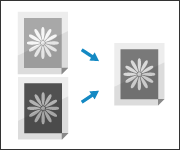
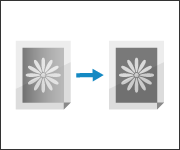
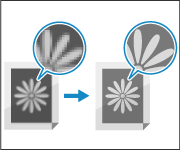
If the results are not as expected, such as when the printed gradation is not reproduced properly, adjust the image quality according to the symptoms that occur.
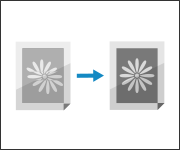
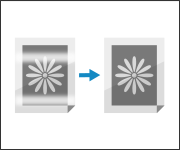
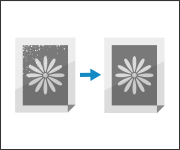
Prevent fixing errors in the low-temperature environment.
NOTE
If the Results Are Not as Expected When Using Certain Paper Such as Textured Paper (For 8100 Series Only)
You may be able to solve the problem by using a custom paper type in which the paper information is changed according to the characteristics of the paper. Registering Frequently Used Paper Types