Adjusting Density
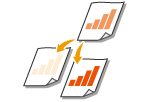 | You can adjust the density of the scan if the text or images in a document are too light or dark. |
<Scan>  Specify destinations or connect the USB memory device <Density> Adjust the density <Apply>
Specify destinations or connect the USB memory device <Density> Adjust the density <Apply>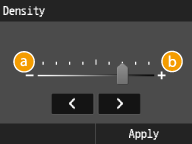
 <->
<->
Decreases the density.
 <+>
<+>
Increases the density.